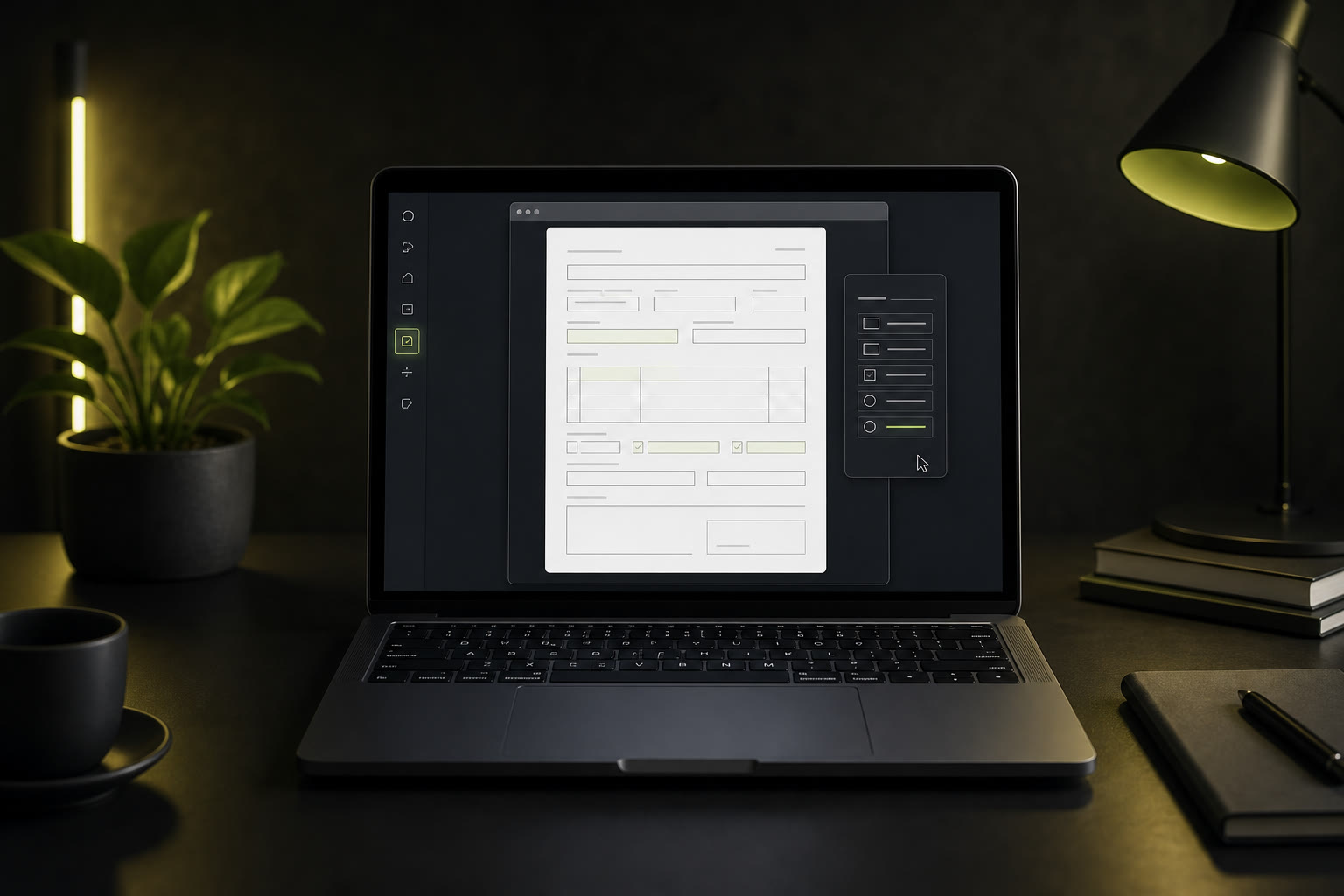
You have a single-page PDF form that needs filling. A consent form for your child's school trip. A direct debit mandate for a new service. A statutory declaration that has to be lodged today. It is just one page with a handful of fields — and yet every tool you try seems built for something far more complicated.
Here is the truth: for a one-page form, you should not need to download 500 MB of software, create an account, or upload your personal details to a cloud server. You should be able to open it, type into the fields, save it, and move on with your day. This guide shows you exactly how.
When You Just Need to Fill One Simple Form
Most PDF editing software is designed for document professionals — people who need to annotate contracts, merge chapters, redact legal text, and manage multi-hundred-page reports. If all you have is a single-page form with a handful of fields, that level of complexity works against you.
Think about the last time you opened a heavyweight PDF editor just to type your name and address. You waited for the splash screen to disappear. You navigated through toolbars and side panels you have never used. You accidentally clicked a feature that shifted your entire layout. By the time you found the text tool, you could have been done — if only the tool matched the task.
One-page forms are different. They are short. They are focused. They usually contain five to fifteen fields covering basic information: names, dates, addresses, signatures, checkboxes. They do not need layers, version tracking, or collaborative editing. They need speed and simplicity — nothing more.
How to Fill a One-Page PDF in 4 Steps
The fastest approach strips away everything unnecessary and gives you exactly what you need: a text tool that works on any PDF. Here is the complete workflow:
Step 1 — Open the filler in your browser (5 seconds)
Navigate to the PDF Form Filler app. No download, no installer, no sign-up wall. The editor loads in your browser and is ready to use immediately. You do not even need to know where you saved last year's PDF software installer.
Step 2 — Select your one-page form (3 seconds)
Click the file selector and pick your PDF from your computer. Because it is a single page, the file is small — it loads in your browser almost instantly. Your document is processed locally and never leaves your device.
Step 3 — Type into each field (20–30 seconds)
Click on any field and start typing. Text appears exactly where you click, whether the PDF has interactive form fields or is a flat scanned document. Move through the fields as fast as you type. No toolbars, no mode switching — just click and type.
Step 4 — Save and you are done (2 seconds)
Hit "Save" and your completed single-page PDF downloads straight to your computer. That is it. No paywall. No "upgrade to Pro to download" pop-up. Your form is filled, saved, and ready to email, print, or submit.
The entire process — from opening the app to saving your completed form — takes under 60 seconds for a typical one-page form. If you know what you need to type and the fields are straightforward, you can be done in 30 seconds flat.
Your PDF never leaves your device. PDF Form Filler runs entirely in your browser. When you select a file, it is read locally — never uploaded to a server. The editing happens in your computer's memory, and the save writes directly to your downloads folder. Your personal data stays on your device, exactly where it belongs.
Common One-Page Forms People Fill Every Day
One-page PDF forms are everywhere. You probably have several sitting in your inbox or downloads folder right now. Here are the forms people fill most often — and why a lightweight browser-based filler is the perfect tool for each one:
Consent forms
School trips, medical procedures, photo releases — consent forms are almost always a single page with your name, signature, date, and a checkbox or two. You fill them in 30 seconds and send them back. No need to fire up a full office suite.
Registration forms
Event registration, workshop sign-ups, membership applications — these typically ask for your contact details on a single page. A browser-based filler lets you complete them without printing, scanning, or creating an account on yet another platform.
Permission slips
Every parent knows the drill: a permission slip comes home in the school bag, and it needs to be filled and returned by morning. Open it in your browser, type in the details, save, and email it back — all from your phone while sitting on the sofa.
Direct debit mandates
Bank details, account numbers, sort codes — direct debit forms are sensitive documents that you absolutely should not upload to a third-party server. A local browser-based filler keeps your financial information on your device where it is safe.
Statutory declarations
Government forms, affidavits, and statutory declarations are typically single-page documents with formal fields. You need them filled accurately and quickly — often right before a deadline. No time for software installation or account creation.
Why Simple Forms Don't Need Heavy Software
There is a mismatch in the PDF tools market. Most software is built for power users — people who edit PDFs for hours every day and need every feature imaginable. But the vast majority of people who need to fill PDF forms do not fall into that category. They need to fill a single page, once, and be done.
Heavy software introduces friction at every step. You download a large installer. You grant permissions. You wait for it to launch. You navigate through a complex interface designed for document professionals. Every unnecessary feature is a distraction. Every toolbar button you do not need is a chance to click the wrong thing.
For a one-page form, the ideal tool is the one that gets out of your way. It should load instantly. It should present a single, obvious way to add text. It should save without drama. No splash screens, no feature tours, no upsells — just the job done.
Browser-based PDF fillers hit this sweet spot perfectly. They use the processing power already available in your browser. They do not require installation. They update automatically. And because they process files locally, your sensitive information never travels across the internet to a server you do not control.
Frequently Asked Questions
Do I need special software to fill a one-page PDF?
Not at all. You can fill a one-page PDF form in any modern browser — Chrome, Firefox, Safari, or Edge — without downloading or installing anything. PDF Form Filler runs entirely in your browser using local JavaScript. There is no installer, no sign-up, and no account required. Just open the page, select your file, and start typing.
How fast can I really fill a one-page PDF form?
Most one-page forms with five to fifteen fields take between 30 and 60 seconds to complete. The tool loads in under 3 seconds, your PDF opens instantly, and you type directly onto the form. There is no upload delay, no processing queue. The only variable is how quickly you type.
Can I fill multi-page forms with this tool?
Yes. While this guide focuses on one-page forms — because that is what most people need — PDF Form Filler handles multi-page documents without any page limit. You can scroll through all pages, add text wherever needed, and save the entire document in one go. There is no per-page charge and no page cap.
Can I fill a one-page PDF form on my phone?
Absolutely. Because the tool runs in a browser, it works on iPhones, Android phones, iPads, and any tablet with a modern browser. No app download needed. You can select your PDF from your device's file picker, type into fields with touch input, and save the completed form. It works even on slower connections because no file is ever uploaded.
The Bottom Line
A one-page PDF form should take you less time to fill than it took to download. You should not need to install software, create an account, or upload your personal information to a stranger's cloud server just because you need to type your name and address into five fields.
PDF Form Filler is built for exactly this scenario: the simple, everyday task of filling a short form, fast. No fuss, no friction, no features you do not need. Just open, type, save, and get on with your life.
Fill your form — free, no fuss
Fill any one-page PDF form in under 60 seconds. No uploads, no accounts, no downloads. Just open, type, and save.
👉 Fill your PDF — free, no fuss