App screenshot
Screenshot Of The PDF Form Filler app
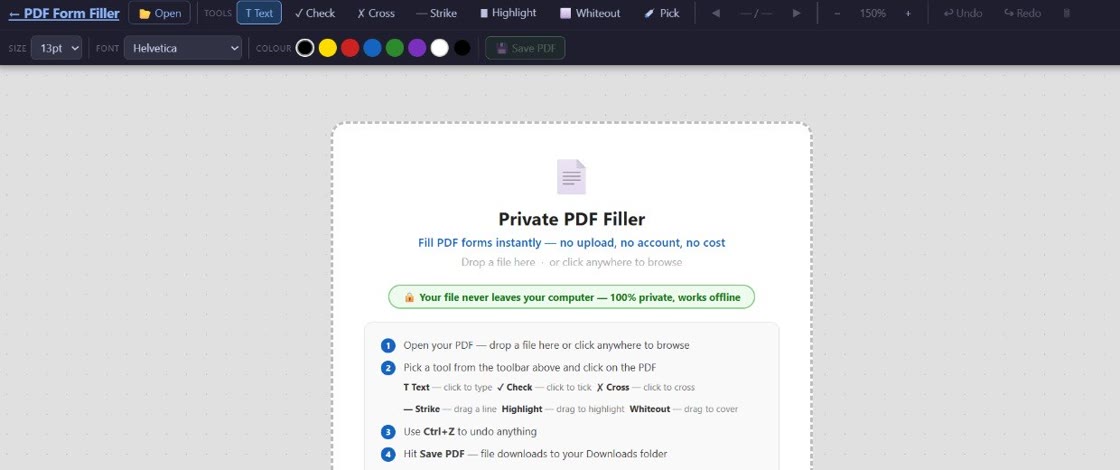
100% private PDF form filler. Your files never leave your device. Fast, secure, and works right in your browser — no software to install.
No sign-up · No upload · Works instantly · Built in New Zealand by BuildAI.nz
Drag and drop your PDF into the app. Nothing is uploaded anywhere — it opens right in your browser.
Click any field and start typing. Add tick marks, crosses, change font size, or erase text as needed.
Download your completed PDF straight to your device. Clean, filled, ready to send.
No account. No delays. No unnecessary upload.
Your PDF never touches a server. Everything runs locally. No one else ever sees your documents — not even us.
Click any spot on your PDF and start typing. Adjust font size to fit any field — tiny boxes or wide lines.
Place checkmarks or crosses anywhere on a form. Perfect for consent forms, applications, and legal documents.
Pick any colour for your text to match form requirements or stand out clearly on the document.
Made a mistake? Erase any text you've added and start fresh. Non-destructive — the original PDF is never changed.
Runs in a modern browser with no heavy desktop software or browser extension to install.
Fill in employment forms quickly and privately without sending your details to a third-party server.
IRD returns, council forms, visa applications — handle sensitive documents with full privacy.
Complete contracts, agreements, and NDAs without uploading confidential documents online. For signatures, you can type a name or use future signature tools when added.
Invoices, quotes, order forms — get documents out fast without subscription software.
Patient intake forms, referrals, and health records — your medical information stays on your device.
Fill most standard PDF forms directly in your browser. Scanned or encrypted PDFs may need extra preparation.
Looking for a fast way to fill out a PDF form online? PDF Form Filler lets you complete documents instantly — no software to install and no files uploaded to the cloud.
Whether you need to fill out job applications, tax returns, tenancy agreements, or government forms, this tool gives you a simple and secure way to edit PDFs directly in your browser.
Unlike tools that upload documents to remote servers, PDF Form Filler runs on your device. Local processing reduces third-party exposure because the editor does not receive or store your PDF.
It's the simplest way to fill a PDF form online without Adobe Acrobat, without a subscription, and without compromising your privacy.
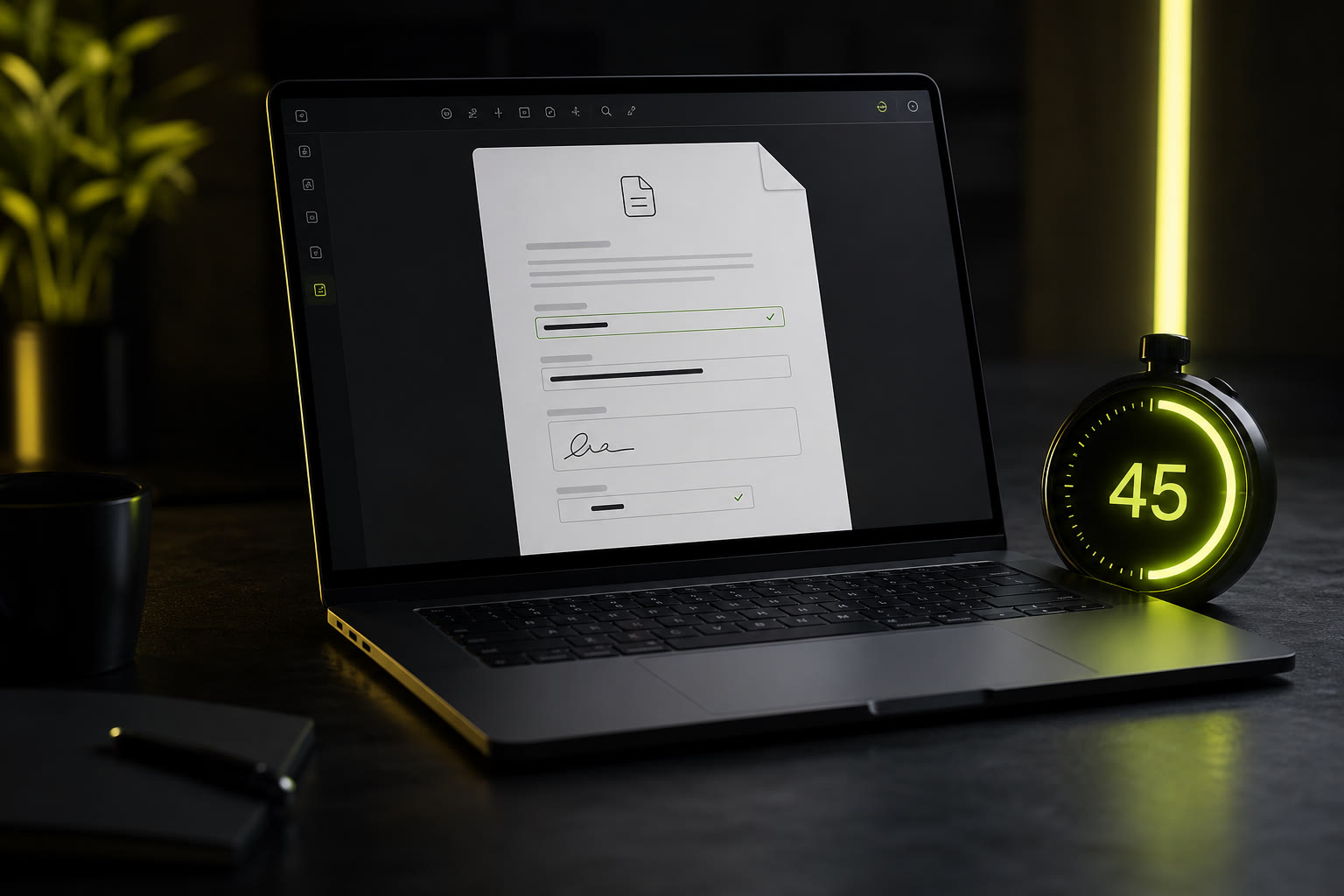
No sign-up, no upload. Open, type, save — the whole thing takes 60 seconds or less.
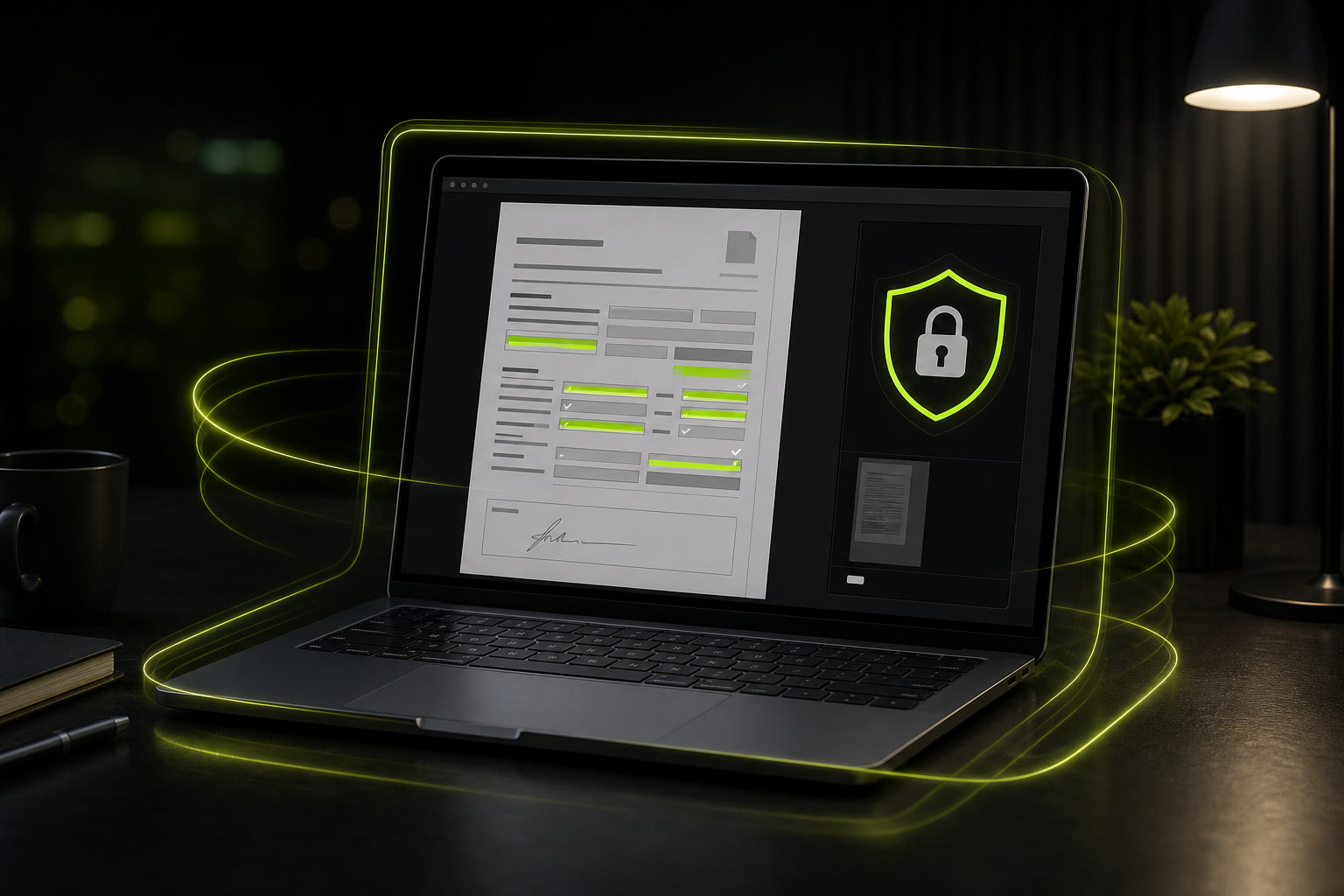
Your PDF data stays on your device. No server ever sees it. Here's how browser-based filling actually works.
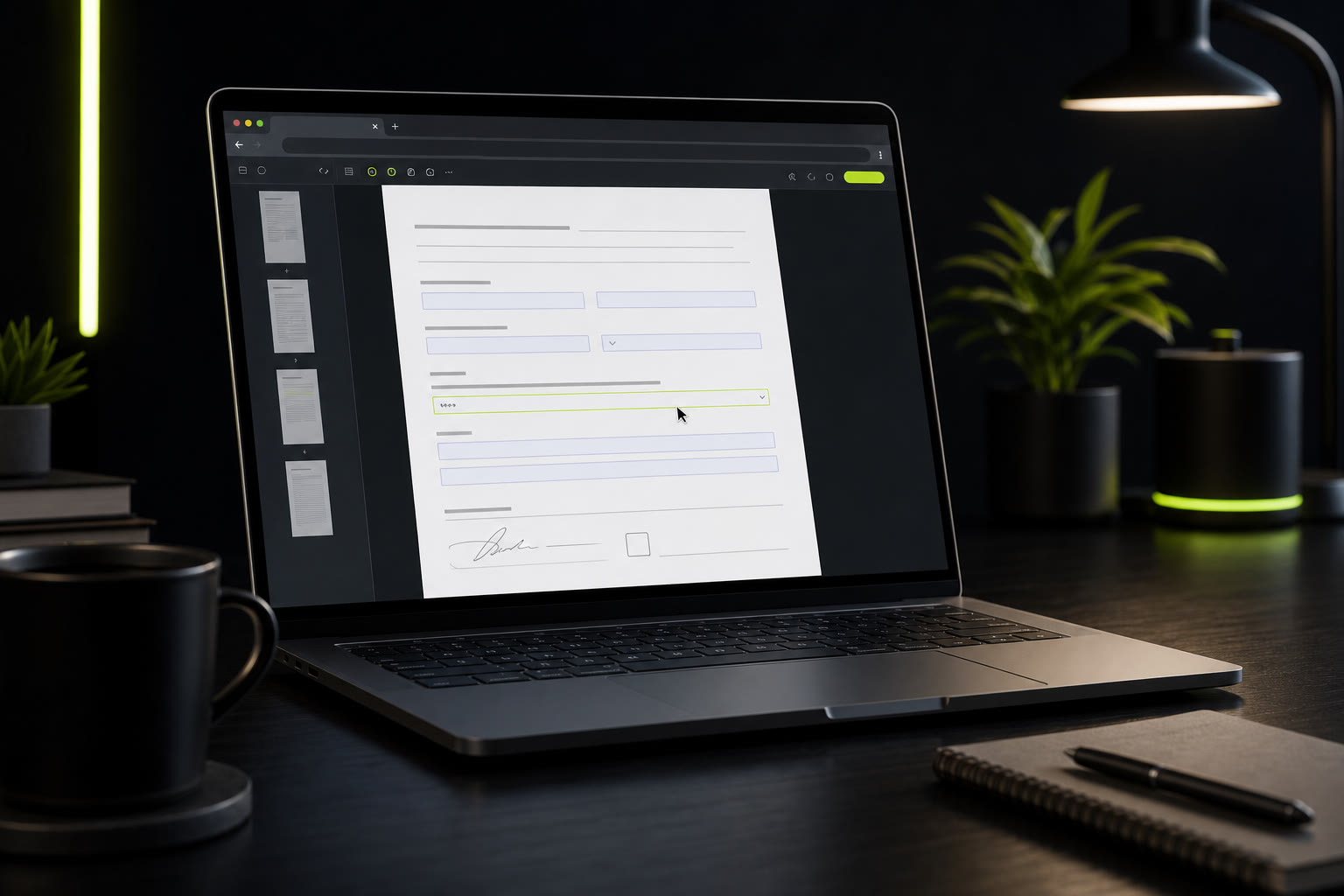
You don't need an expensive Adobe subscription just to fill a form. Here's the free way.
For personal, home, study, and one-off non-commercial forms. No account needed.
For workplace, client, office, or commercial documents
(covers up to 3 people in the same business).
Secure one-time payment via PayPal. After payment, keep your licence key for future browsers/devices:
Buy Business Licence with PayPal☕ Or shout us a coffee on Ko-fi — any amount welcome
Correct. PDF Form Filler runs entirely in your browser using local processing. Your file is never sent to any server — not ours, not anyone's. It's one of the core reasons we built it this way.
The editor loads in your browser and keeps your PDF on your device. For the strongest privacy message, we recommend opening the app while online, then saving your completed PDF locally.
It works with any standard PDF file — government forms, contracts, applications, invoices, and more. If it's a PDF, you can fill it.
No account, no sign-up, no email address required. Open the app and start using it immediately.
The core PDF filling tool is completely free for personal and home use — no hidden catches. Businesses and commercial users can purchase a one-time Business Licence ($9.90 NZD) for commercial use rights, priority email support, and use by up to 3 people in the same business.
The editor stays simple and private for everyone. The Business Licence gives you permission to use PDF Form Filler for business, workplace, client, or commercial documents. It also includes priority email support and covers up to 3 people in the same business. It is a one-time payment, not a subscription.
Because it runs in your browser, it works on Windows, Mac, Linux, and most modern mobile devices. No installation required.
Loading updates...
No sign-up. No credit card. No nonsense.
Just open your PDF and start filling — right now.
Runs in your browser · No upload required · Built in New Zealand by BuildAI.nz