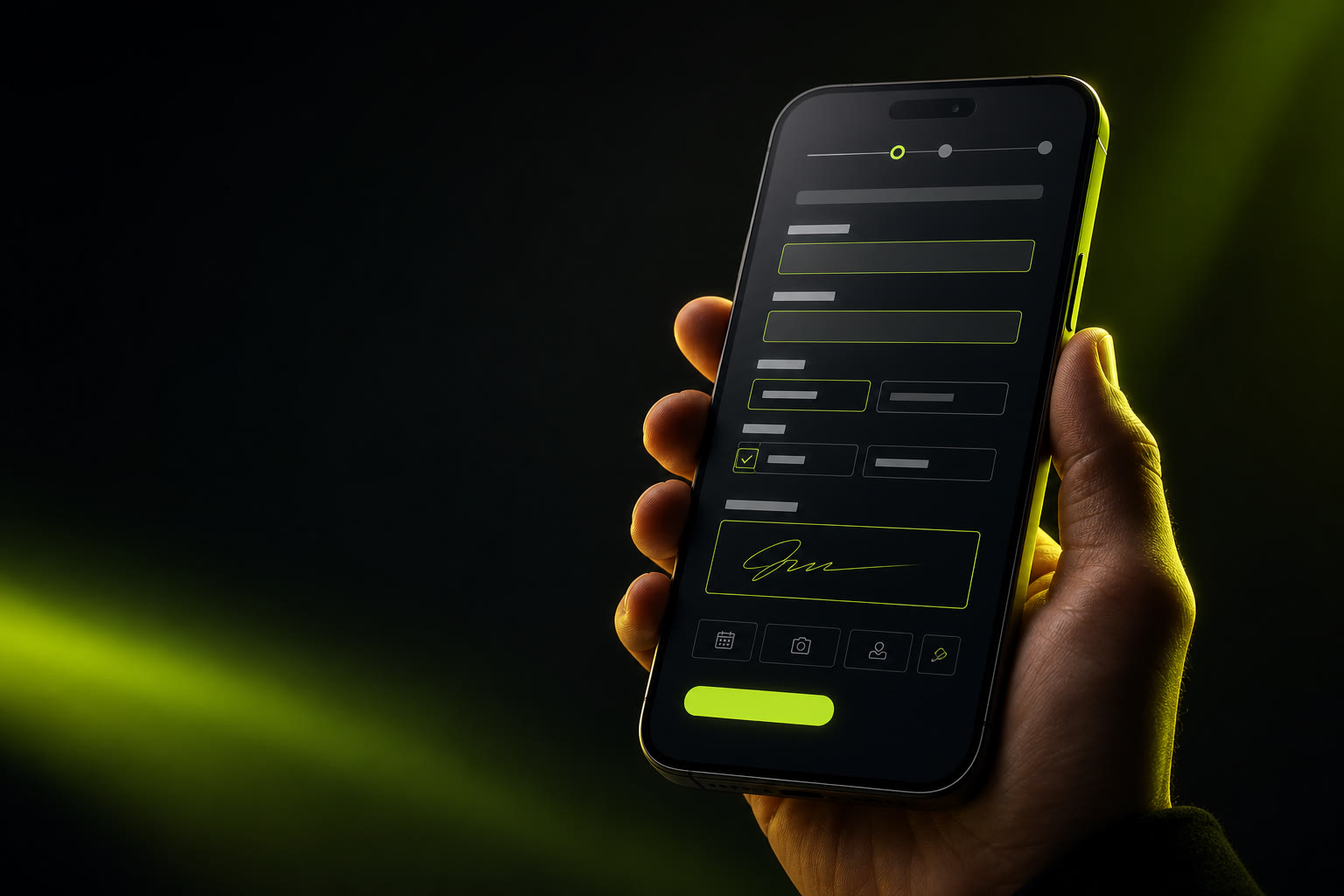
You are standing in line at the post office. Your phone buzzes — it's an email with a PDF form attached. It needs to be filled out right now. Maybe it's a school permission slip, a rental agreement, or a medical intake form. You do not have a laptop with you. You do not want to download yet another app that will demand your email, send you push notifications, and take up 200 MB of storage. You just want to type into the form on your phone and be done.
This guide shows you exactly how to fill a PDF form on your phone — iPhone or Android — for free, without installing any app. It works entirely in your mobile browser, and your file never leaves your device.
Why Filling PDFs on a Phone Feels Impossible
If you have ever tried to fill out a PDF form on your phone, you already know the frustration. What should be a thirty-second task often turns into a battle against your own device:
Small screens, fat fingers, tiny form fields
PDF forms were designed for letter-sized paper, not a six-inch touchscreen. Pinching and zooming to hit a checkbox or type into a cramped field is a genuine usability challenge — especially if the PDF was scanned rather than generated digitally.
App stores are full of PDF editors that aren't free
Search "PDF filler" on the App Store or Google Play and you will find dozens of apps. Most of them are "free to download" but hit you with a subscription paywall the moment you try to save your filled form. Others watermark your output, limit you to one page, or harvest your data.
App downloads eat time, storage, and patience
Even if you find a genuinely free app, you still have to download it, grant permissions, possibly create an account, and learn a new interface — all while the clock is ticking on whatever deadline prompted you to fill the form in the first place.
Uploading to a server feels risky on mobile
Many "online PDF fillers" require you to upload your file to a remote server. On a phone, especially on public Wi-Fi or cellular data, the idea of sending a form with your address, phone number, or financial details to an unknown third party is unsettling — and rightly so.
These are not minor annoyances. They add up to a genuine barrier that makes people postpone filling forms until they are back at a computer — which might be hours or days later. There is a better way, and it works on the device already in your pocket.
How to Fill a PDF on Your Phone — 4 Steps
The fastest approach is a browser-based PDF filler that processes everything locally on your phone. No app store, no uploads, no accounts. Here is the complete mobile workflow:
Step 1 — Open your browser (5 seconds)
Open Safari on iPhone or Chrome on Android. Navigate to the PDF Form Filler app. The page loads instantly — even on slower mobile connections, because there is nothing heavy to download. The editor is ready before your coffee cools.
Step 2 — Select your PDF from your phone (5 seconds)
Tap the file selector. On iPhone, you can browse the Files app, iCloud, or any connected storage. On Android, browse your device storage or a cloud drive. The PDF opens directly in your browser — it is never uploaded to a server.
Step 3 — Tap and type into the form fields (1–3 minutes)
Tap anywhere on the form and start typing. The text appears exactly where you tap, so you can fill interactive AcroForm fields or overlay text onto flat PDFs that have no editable fields. Use pinch-to-zoom to get precise placement on small fields. Move through the form as fast as you can type.
Step 4 — Save the completed PDF to your phone (3 seconds)
Hit "Save" and the filled PDF downloads straight to your device. On iPhone, you can save it to the Files app or share it directly via Messages, Mail, or WhatsApp. On Android, save it to your downloads folder or share it instantly. Your form is done.
The entire process — from opening your browser to saving the completed form — takes under two minutes for a typical single-page form. Multi-page forms take a few minutes longer, but only because there is more content to fill in, not because the tool gets in your way.
Your PDF never leaves your device. PDF Form Filler runs entirely in your mobile browser using local JavaScript. Your file is processed in your phone's memory — it is never uploaded to a server, never stored in the cloud, and never accessible to anyone but you. You can verify this yourself by turning on airplane mode after the page loads. The tool works perfectly offline.
Why Browser-Based Works Better Than Apps on Mobile
It is worth understanding why a browser-based tool beats native apps for this specific task. The advantages go beyond just skipping the app store:
No app download, no storage consumed
PDF editor apps can be 100–500 MB. A browser tool uses zero permanent storage on your phone. When you close the tab, it is gone — no background services, no cache bloat, no permissions to revoke.
No account, no email, no push notifications
Apps love to collect your email and send you "helpful tips." A browser tool asks for nothing. You fill your form and move on with your day — no spam, no upsells, no notification badges to clear.
Always up to date, never needs updating
When you use a browser tool, you always get the latest version — no App Store update required. No waiting for a 200 MB update to download before you can fill your form.
Works the same on any device
Use the same tool on your iPhone, your Android tablet, your Chromebook, or a borrowed device. The experience is consistent. You do not need to re-learn a new interface when you switch devices.
Desktop Apps vs Mobile Apps vs Browser Filler
Here is a straight comparison so you can see why a browser-based approach wins for mobile PDF filling — especially when you are in a hurry:
Desktop PDF apps
Full-featured, but you need to be at a computer. Slow to launch. Often require licenses or subscriptions. Not an option when you are out and about and a form lands in your inbox.
Mobile PDF apps
Available on your phone, but most are "free" in name only. They gate saving behind a paywall, watermark your output, or limit you to one page. They consume storage, ask for permissions, and send notifications. Genuinely free mobile PDF editors are rare.
Browser-based filler (the winner)
Free. No install. No account. Works on iPhone and Android equally well. Processes your PDF locally on your device — no upload. Full multi-page support. Saves directly to your phone. The tool that actually solves the problem without creating new ones.
What Works Well on Mobile — and What's Tricky
We believe in being honest about the mobile experience. A phone screen will never be as comfortable as a laptop for detailed form work, but for most everyday PDF filling tasks, it works remarkably well:
What works great: Filling text fields on standard PDF forms. Adding your name, address, phone number, and dates. Completing simple one-page forms like permission slips, intake forms, and short applications. Saving and sharing the finished PDF directly from your phone. Multi-page forms — you can scroll and fill just like on desktop. The tool handles interactive form fields and flat PDFs equally well.
What's trickier on a small screen: Dense forms with tiny text boxes designed for 10-point font — you will need to pinch-zoom for precision. Forms with dozens of checkboxes packed close together. Hand-drawn signatures — a browser-based tool is for typed text, not drawing. If you need to sign, you can type your name as a signature or use a separate signature app first. Scanned forms with very low resolution can be hard to read on a phone screen.
In short: for the vast majority of everyday form-filling tasks — the kind that land in your inbox and need to be turned around quickly — a browser-based mobile tool handles the job perfectly. For highly complex, dense legal documents with dozens of tiny fields, a laptop will always be more comfortable. But when you are away from your desk and a form cannot wait, your phone plus a browser-based filler is the combination that saves the day.
Frequently Asked Questions
Can I fill a PDF form on my iPhone without installing an app?
Yes, absolutely. Open Safari on your iPhone, navigate to PDF Form Filler, select your PDF from the Files app or a shared location, and start typing. No App Store download is needed. The tool runs entirely in your browser, and you can save the completed form directly to your Files app or share it via Messages, Mail, or WhatsApp.
Does this work on Android phones too?
Yes. The browser-based filler works in Chrome, Firefox, Samsung Internet, and any modern browser on Android devices. You can select a PDF from your device storage, fill it out using touch input, and save the completed form directly to your phone. The experience is the same as on iPhone — no app required.
Can I fill a PDF offline on my phone?
Yes. Once the page loads in your browser, PDF Form Filler runs entirely on your device using local JavaScript. You can disconnect from the internet — turn on airplane mode — and continue filling your form. Your PDF never leaves your phone, and you can save the completed file even without an active connection. This is especially useful when travelling or in areas with spotty coverage.
Is the mobile version limited compared to desktop?
No. The browser-based filler offers the same full functionality on mobile and desktop. You can fill multi-page PDFs, add text anywhere on any page, and save your form — all from your phone. The interface adapts to touch screens and smaller displays. There is no page limit, no feature gating, and no mobile-specific restrictions.
The Bottom Line
You should not need a laptop to fill out a simple PDF form. You should not need to download an app, create an account, or upload your personal documents to a stranger's server just to type your name and address into a form field from your phone.
PDF Form Filler strips away all the friction. Open your browser. Select your file. Tap and type. Save. Done. Your data stays on your phone where it belongs, and you get back to your day — whether that is finishing your errand, catching your train, or just putting your phone away and being present.
Start filling — free, no app needed
Fill any PDF form on your phone in minutes. No uploads, no accounts, no app downloads. Just open your browser and type.
👉 Start filling your PDF — free